If you have formulas that reference cells in another workbook, the formulas can get quite long and a single row in the Formula Bar may not be sufficient to see the whole formula.
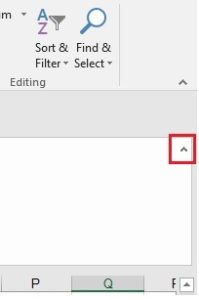
In Excel 2007 Microsoft introduced a small drop-down arrow to the right of the Formula Bar that expands the size of the Formula Bar to several rows.
This a great feature if you work with large formulas.
I find though that people often have the Formula Bar expanded when it’s not needed. This makes your use of Excel less efficient as you are taking up space on the screen that could otherwise be used to view data.
Click on the button to collapse the Formula Bar or press Ctrl+Shift+U. This shortcut is a toggle as it will expand and collapse the Formula Bar.