How do you find out which colour is being used for a Font or Fill?
Sometimes I want to use a font or fill colour that is already in use in a document in other places in the document, so I want to find out …
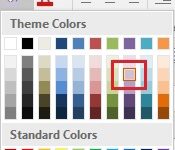
Sometimes I want to use a font or fill colour that is already in use in a document in other places in the document, so I want to find out …

If you often create hyperlinks to a web page, this week’s tip will come in useful. I use this the most in email messages but it works equally well in …
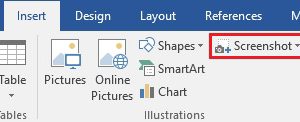
I recently had someone email me with a question about one of the Weekly Tips. Helpfully, they included a screenshot so I could see what they were talking about. I …

As this will be the last tip of the year I thought I’d highlight some of my favourite tips from 2017. If you joined the list part way through the …
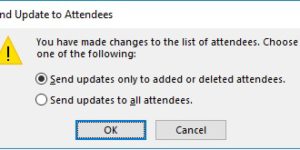
Subscriber Danielle C. asks “How do I add attendees to a meeting that already exists without sending updates to the whole group?” If you add attendees to a meeting you …
Sometimes I go looking for an email and it’s not in the folder where I thought it would be. Maybe I’ve accidentally filed it in some other folder. I do …
Subscriber Deesha P. asks ‘I had a contact group (distribution list) forwarded to me and I’m trying to save it to my contacts, but no luck’ A Contact Group (or …
We seem to spend most of our time in Outlook working with email and that is where there is likely the most to be gained from using all the Outlook …

Continuing our look at getting the most out of Outlook’s search feature, this week we look at where Outlook searches. In most Outlook systems, search only looks in the current …
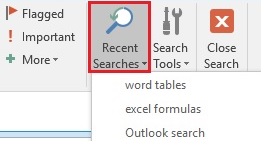
Continuing our look at Outlook’s Search feature, I often find myself adding criteria to the search box to whittle down the number of emails the search locates. I find the …