More Outlook Search Tips – Searching only the Subject, Body or Attachments
In last week’s tip, we looked at how to make your Outlook searches more efficient by using the many criteria available. The Search Tools Search tab has the commonly used …
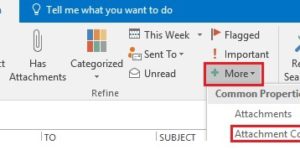
In last week’s tip, we looked at how to make your Outlook searches more efficient by using the many criteria available. The Search Tools Search tab has the commonly used …
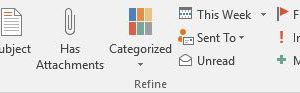
When you do a search in Outlook, looking to find one specific email message, are you taking advantage of the powerful search features Outlook provides? If you have a large …
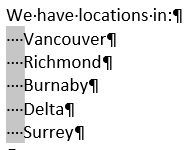
This week’s tips is one of those you may seldom use but on the rare occasions you need it it can be a real time-saver. Word has a useful feature …

Subscriber Jean K. asks ‘Is there a way in Outlook to zoom in to make the text in an email larger?’ If you have opened the message, as opposed to …
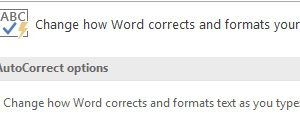
Subscriber Cal J. asked ‘What to do when you want (c) rather than ©?’ You have couple of ways to approach this. If you sometimes want to use the c …
Want to quickly add a copyright symbol, ©, or trademark symbol, ™, to a document? Just type (c) or ™ and Autocorrect will insert the symbols for you. This works …

Want to quickly add a copyright symbol, ©, or trademark symbol, ™, to a document? Just type (c) or ™ and Autocorrect will insert the symbols for you. This works …
Subscriber Maggie C. asks ‘How can I change the font size in a new message’. Outlook uses the Calibri font and a font size of 11pt for new messages. I …
I have several email accounts, one of which I have had for over 20 years and I hardly ever use it these days. Emails sent to it are still delivered …

This week’s tip was suggested by subscriber Danielle C. I have two signatures in Outlook: Full, Replies. I use Full with new messages and Replies when I reply or forward …