Insert a Screenshot in an MS Office document
I recently had someone email me with a question about one of the Weekly Tips. Helpfully, they included a screenshot so I could see what they were talking about. I …
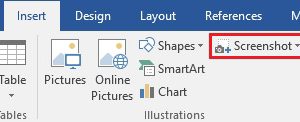
I recently had someone email me with a question about one of the Weekly Tips. Helpfully, they included a screenshot so I could see what they were talking about. I …

With 2018 upon us you may be looking for a calendar to use this year. Rather than creating one yourself, I suggest having a look at the free calendars available …

As this will be the last tip of the year I thought I’d highlight some of my favourite tips from 2017. If you joined the list part way through the …
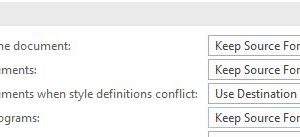
When you paste text into a Word document you have options for how the text is formatted. The choices are: Keep Source Formatting – preserves the look of the original …

While most Word documents are primarily all text, some may contain graphics such as SmartArt, pictures, shapes or screenshots. If some of the pages in your document contain several graphics, …
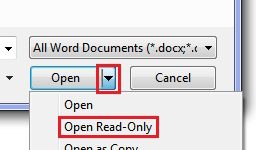
Let’s say you have a budget in Excel that is the final version but you want to open it and do a few casual ‘what if’ projections with it. As …
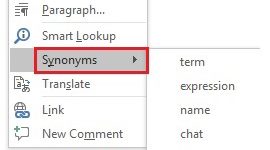
As you work away in Word, do you find yourself sometimes mentally searching for just the right word? None of the words you can think of really capture the essence …

Tables in Word are a great way to organize columns and rows of data. However, if a table spans more than one page, Word does not display the table headings …
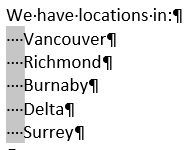
This week’s tips is one of those you may seldom use but on the rare occasions you need it it can be a real time-saver. Word has a useful feature …

In some of the handouts I develop I want the month and year displayed on the cover of the document. So, for a handout I’m going to use this month, …