A quick way to change the font size in Word, Excel, Outlook and PowerPoint
When working in Word, Excel, Outlook and PowerPoint, I find I often want to increase or decrease the font size of some of the text by a size or two. …
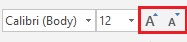
When working in Word, Excel, Outlook and PowerPoint, I find I often want to increase or decrease the font size of some of the text by a size or two. …
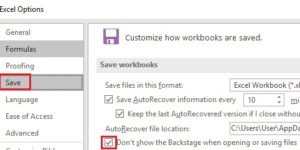
In my experience, most organizations are still storing files on network drives rather than in the Cloud. In recent versions of Word, Excel and PowerPoint, Microsoft has made the Cloud …

In the later versions of Word, Excel and PowerPoint, Microsoft implemented a Start Screen which is displayed when you launch the program. The Start Screen has a list of recently …
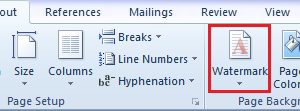
In Word you can add a watermark, such as Confidential, Draft or Final Version, to your document. The watermark prints on every page in the document and it usually appears …

Here’s a quick way to select paragraphs in Word. If you move your mouse pointer into the left margin it will change to a white arrowhead. As you probably know …
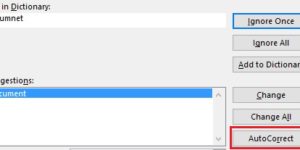
AutoCorrect is a useful feature as it can fix common spelling and typing mistakes. It’s AutoCorrect that replaces hte with the and probelm with problem. What’s really handy about AutoCorrect …
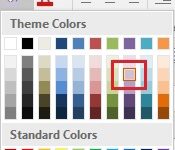
Sometimes I want to use a font or fill colour that is already in use in a document in other places in the document, so I want to find out …

A client recently sent me a word document with a list of attendees for an upcoming course. I was surprised to see the document was a .doc as this file …

As a follow-on to last week’s tip on creating a hyperlink to a web page, this week we are going to look at creating a hyperlink to another location in …

If you often create hyperlinks to a web page, this week’s tip will come in useful. I use this the most in email messages but it works equally well in …